
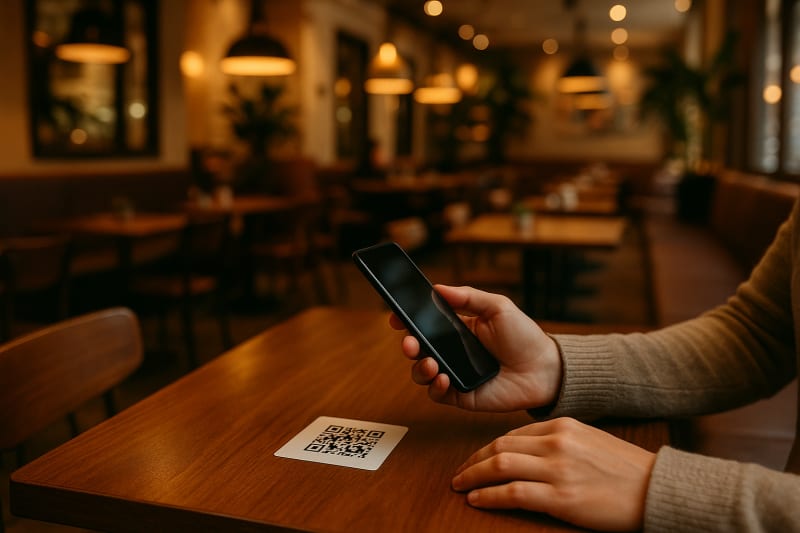
In the ever-evolving world of restaurant technology, QR menu software has become a cornerstone for modern dining experiences. With the right features, it can transform how you manage orders and interact with customers. But what should you look for when selecting QR menu software? Here's a comprehensive checklist to guide you.
Essential Features for QR Menu Software
1. User-Friendly Interface
A user-friendly interface is crucial for both staff and customers. Look for software that offers intuitive navigation, making it easy for patrons to browse menus and place orders without confusion.
2. Customizable Menus
Your menu is unique. Ensure the software allows you to customize it with images, descriptions, and modifiers to accurately represent your offerings. FastQRMenu excels in customization, allowing you to update items in real time.
3. Seamless Integration
Integration with existing systems like POS, inventory management, and payment gateways is essential. FastQRMenu offers robust integration capabilities, streamlining your operations and reducing manual work.
Advanced Features for Enhanced Operations
1. Analytics and Reporting
Data-driven insights can significantly impact your business. Choose software that provides analytics on customer behavior, popular items, and peak hours to make informed decisions.
2. Multi-Language Support
For global appeal, multi-language support is a must. FastQRMenu supports various languages, catering to diverse clientele and enhancing customer satisfaction.
3. Security Features
Security should never be overlooked. Opt for software with strong security measures to protect customer data and transactions.
Comparing Top QR Menu Software
| Feature | FastQRMenu | Competitor A | Competitor B |
|---|---|---|---|
| User Interface | Highly intuitive | Moderately intuitive | Complex |
| Customization | Extensive options | Limited options | Basic options |
| Integration | Wide range | Narrow range | Limited |
| Analytics | Comprehensive | Basic | None |
Choosing the Right Solution
When selecting QR menu software, consider your restaurant's specific needs and budget. FastQRMenu stands out for its user-friendly design, extensive customization, and robust integrations. However, evaluate all features against your priorities.
Conclusion
Choosing the right QR menu software can revolutionize your restaurant operations. FastQRMenu offers a comprehensive suite of features that enhance both customer experience and operational efficiency. Explore how it can transform your business today.